








Resetting a Gree mini-split clears active error codes and restores normal operation. Gree is one of the world's largest HVAC manufacturers, and their ductless systems use a consistent reset procedure across the residential lineup. This guide covers soft and hard reset methods, filter indicator reset, and when a reset is and is not appropriate.
Compatible with all brands of ACs and Mini-Splits
Automate Climate Management
Control remotely
Reduce Energy Consumption
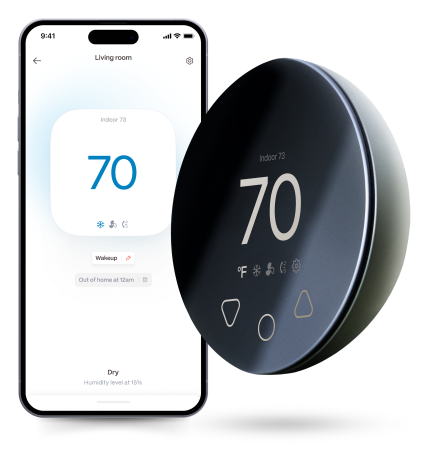
Monitor bills in realtimeKlima - Smart Home Thermostat for Mini-splits, Air Conditioners and Heatpumps
Method 1: Soft Reset (Remote)
Step 1 — Press ON/OFF on the Gree remote to turn the unit off.
Step 2 — Wait 30 seconds.
Step 3 — Press ON/OFF to restart.
Step 4 — Wait 3 full minutes before testing operation.
Method 2: Hard Reset (Breaker)
Step 1 — Turn the unit off at the remote.
Step 2 — Find the Gree mini-split's dedicated breaker in your electrical panel.
Step 3 — Flip the breaker OFF. Wait 30 seconds.
Step 4 — Flip the breaker ON.
Step 5 — Wait 3 full minutes before operating the unit.
Resetting the Gree CL Filter Indicator
The CL filter reminder resets separately from a system reset. After cleaning the filters, press and hold the FILTER or FILTER RESET button on the Gree remote for 3 seconds. The CL code clears from the display. The runtime counter restarts from zero.
Stay cool and save more. Use code JONES15 to get 15% off your entire order—no strings attached.
Upgrade your comfort with a Klima today.
Frequently Asked Questions
My Gree shows H6 — will a reset fix it?
H6 (indoor fan motor fault) occasionally clears with a reset if the fault was a momentary sensor glitch — turn the unit off, wait 30 seconds, restart, and wait 3 minutes. If H6 returns immediately, the fan motor or its control circuit has a real fault. Check the fan blades for obstructions (power off first) and call a technician if the blades are clear.
Related reading:
→ How to Reset a Mini-Split: Step-by-Step for Every Brand
→ Gree Mini-Split Error Codes: Full Reference
→ Gree Mini-Split App Not Working: How to Fix


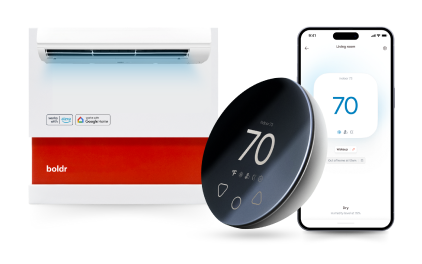
Klima - Smart Home Controller for Mini-splits, Air Conditioners and Heatpumps
Compatible with all brands of ACs and Mini-Splits Automate Climate Management Control remotely Reduce Energy Consumption Monitor bills in realtime
Try NowRecent Articles

Mini-Split Outdoor Unit Clearance 2026 Guide
A mini-split outdoor unit needs air. Lots of it. The condenser pull...
Read More
What Happens if Your Mini-Split Is Too Small?
Most homeowner sizing advice focuses on oversized mini-splits. But ...
Read More
Does a Mini-Split Need a Manual J Load Calculation?
A 500-square-foot room does not automatically need a 12,000 BTU min...
Read More
Signs Your Mini-Split May Have a Refrigerant Leak
A mini-split does not normally “use up” refrigerant the way a car u...
Read More
Mini-Split Minimum Capacity: Why It Matters
When homeowners compare mini-splits, they normally look at the bigg...
Read More