








Resetting a Pioneer mini-split clears active error codes, restores normal operation after a power interruption, and resolves many common glitches. Pioneer's ductless lineup uses a Midea-based platform — the reset procedure is consistent across all Pioneer residential models. This guide covers soft and hard reset methods step by step.
Compatible with all brands of ACs and Mini-Splits
Automate Climate Management
Control remotely
Reduce Energy Consumption
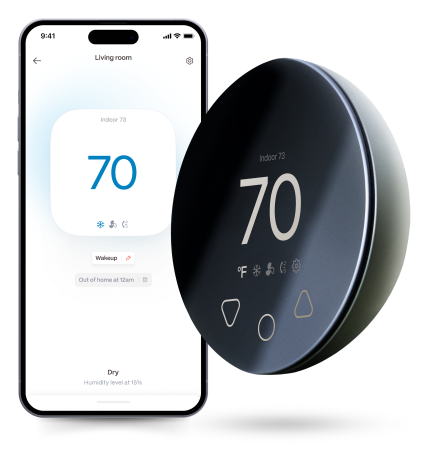
Monitor bills in realtimeKlima - Smart Home Thermostat for Mini-splits, Air Conditioners and Heatpumps
When to Reset a Pioneer Mini-Split
- An error code is displayed and the underlying issue has been resolved
- The unit is unresponsive to remote commands
- The system is behaving erratically after a power outage
- After professional service or maintenance
Method 1: Soft Reset (Remote)
Step 1 — Press ON/OFF on the Pioneer remote to turn the unit off.
Step 2 — Wait 30 seconds.
Step 3 — Press ON/OFF to restart.
Step 4 — Wait 3 full minutes before testing — the compressor protection delay must complete before the unit will run normally.
Method 2: Hard Reset (Breaker)
Step 1 — Turn the unit off at the remote.
Step 2 — Locate the dedicated breaker for the Pioneer mini-split in your electrical panel.
Step 3 — Flip the breaker OFF. Wait 30 seconds for full capacitor discharge.
Step 4 — Flip the breaker ON.
Step 5 — Wait 3 full minutes before pressing anything on the remote.
Step 6 — Turn on with the remote and test in COOL or HEAT mode.
Resetting the Pioneer Filter Indicator
After cleaning the filter, press and hold the FILTER or CLEAN button on the Pioneer remote for 3–5 seconds to reset the FL or CF indicator.
Important: Reset Does Not Fix the Fault
A reset clears the error code from memory but does not resolve the underlying condition. If the same error code returns within minutes of operation, the system has a real fault requiring technician diagnosis. Note the error code before resetting — a photo of the display is helpful if you need to describe the fault to a technician.
Stay cool and save more. Use code JONES15 to get 15% off your entire order—no strings attached.
Upgrade your comfort with a Klima today.
Frequently Asked Questions
Why does my Pioneer show E6 every time I reset it?
E6 (communication error between indoor and outdoor units) that returns immediately after every reset indicates a wiring fault — not a glitch that a reset can fix. Inspect the signal wire connections at both the indoor and outdoor unit terminal blocks. A loose or reversed wire at either end causes persistent E6. If connections appear correct, the wire or a control board may be faulty — call a technician.
My Pioneer remote is not working — can I reset the unit manually?
Yes — every Pioneer indoor unit has a manual ON/OFF button on the unit itself, typically behind the front panel near the LED indicators. Pressing it once turns the unit on in AUTO mode at a default temperature. For a full hard reset without the remote, use the breaker method described above.
Related reading:
→ How to Reset a Mini-Split: Step-by-Step for Every Brand
→ Pioneer Mini-Split Error Codes: Complete Guide
→ Mini-Split Not Working? How to Diagnose Common Issues


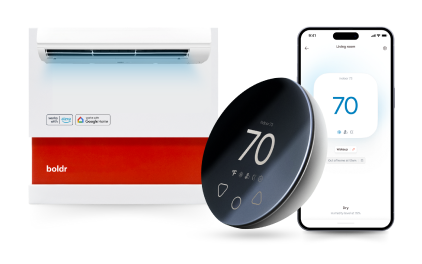
Klima - Smart Home Controller for Mini-splits, Air Conditioners and Heatpumps
Compatible with all brands of ACs and Mini-Splits Automate Climate Management Control remotely Reduce Energy Consumption Monitor bills in realtime
Try NowRecent Articles

Mini-Split Outdoor Unit Clearance 2026 Guide
A mini-split outdoor unit needs air. Lots of it. The condenser pull...
Read More
What Happens if Your Mini-Split Is Too Small?
Most homeowner sizing advice focuses on oversized mini-splits. But ...
Read More
Does a Mini-Split Need a Manual J Load Calculation?
A 500-square-foot room does not automatically need a 12,000 BTU min...
Read More
Signs Your Mini-Split May Have a Refrigerant Leak
A mini-split does not normally “use up” refrigerant the way a car u...
Read More
Mini-Split Minimum Capacity: Why It Matters
When homeowners compare mini-splits, they normally look at the bigg...
Read More