








If your mini-split switches from Fahrenheit °F to Celsius °C when controlled by Klima, it may be due to your mini-split using a European command set.
Follow these easy steps below to adjust your command settings and ensure your mini-split display stays in Fahrenheit.
Klima - Smart Home Thermostat for Mini-splits, Air Conditioners and Heatpumps
Compatible with all brands of ACs and Mini-Splits Automate Climate Management Control remotely Reduce Energy Consumption Monitor bills in realtime
Try Now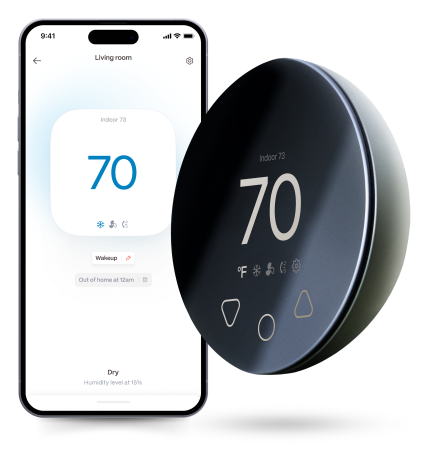
How to Adjust the Command Settings
- Open the Boldr Energy app.
- Navigate to Room Settings.
- Select Devices.
- Choose your Klima device.
- Go to Compatible Command Sets.
- Select an option that supports Fahrenheit (°F) instead of Celsius (°C).
Once you've made this change, your mini-split should now display temperatures in Fahrenheit!


Download & log into the Boldr Energy App:
|
|
Click on the icons below to If you have any questions, you can always reach our customer success team here. |


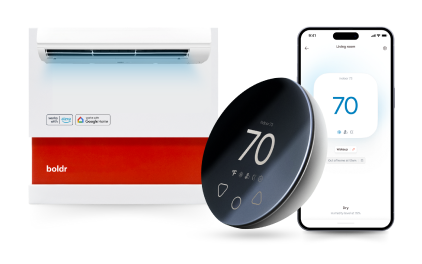
Klima - Smart Home Thermostat for Mini-splits, Air Conditioners and Heatpumps
Compatible with all brands of ACs and Mini-Splits Automate Climate Management Control remotely Reduce Energy Consumption Monitor bills in realtime
Try NowRecent Articles

What to Look for When Buying a Mini-Split: 10 Key Factors in 2026
Buying a mini-split involves more than picking a BTU number — the b...
Read More
Mini-Split vs Window Unit: Total Cost Over 10 Years
Over a 10-year period, a mini-split almost always costs less than t...
Read More
Mini-Split Noise Levels: What's Normal and What's Not
Most sounds a mini-split makes are completely normal — and knowing ...
Read More
Mini-Split vs Ductless: Is There Any Differencen in 2026?
"Mini-split" and "ductless" are used interchangeably — they mean th...
Read More
Protecting a Mini-Split During Renovation
Renovation dust can enter a mini-split and collect far beyond the w...
Read More